Cooking Mode is designed to keep the recipe readable while you are in the kitchen.
Check ingredients first
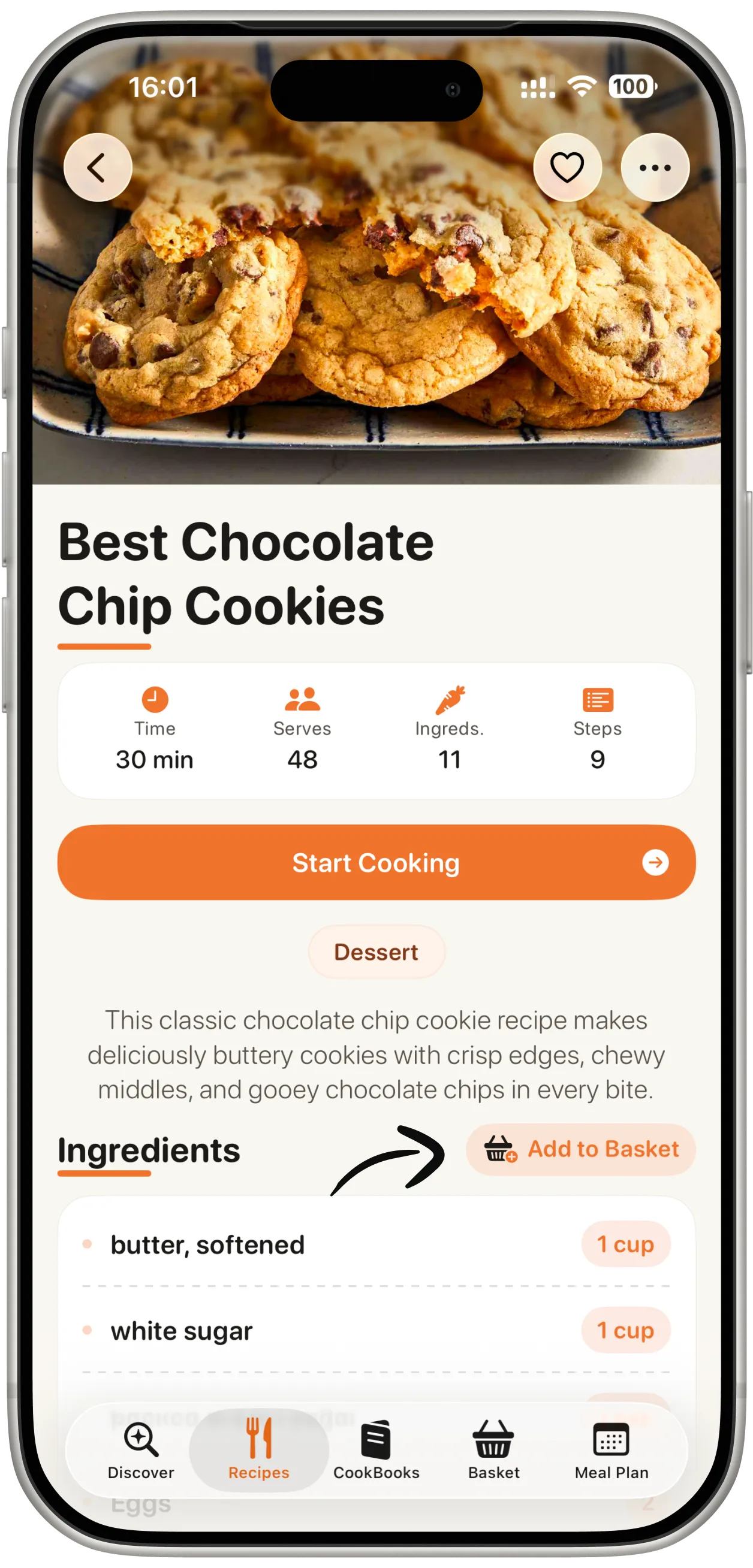
Before starting, check the ingredient list and make sure everything is available. Add missing ingredients to your basket list if needed.
Follow each step
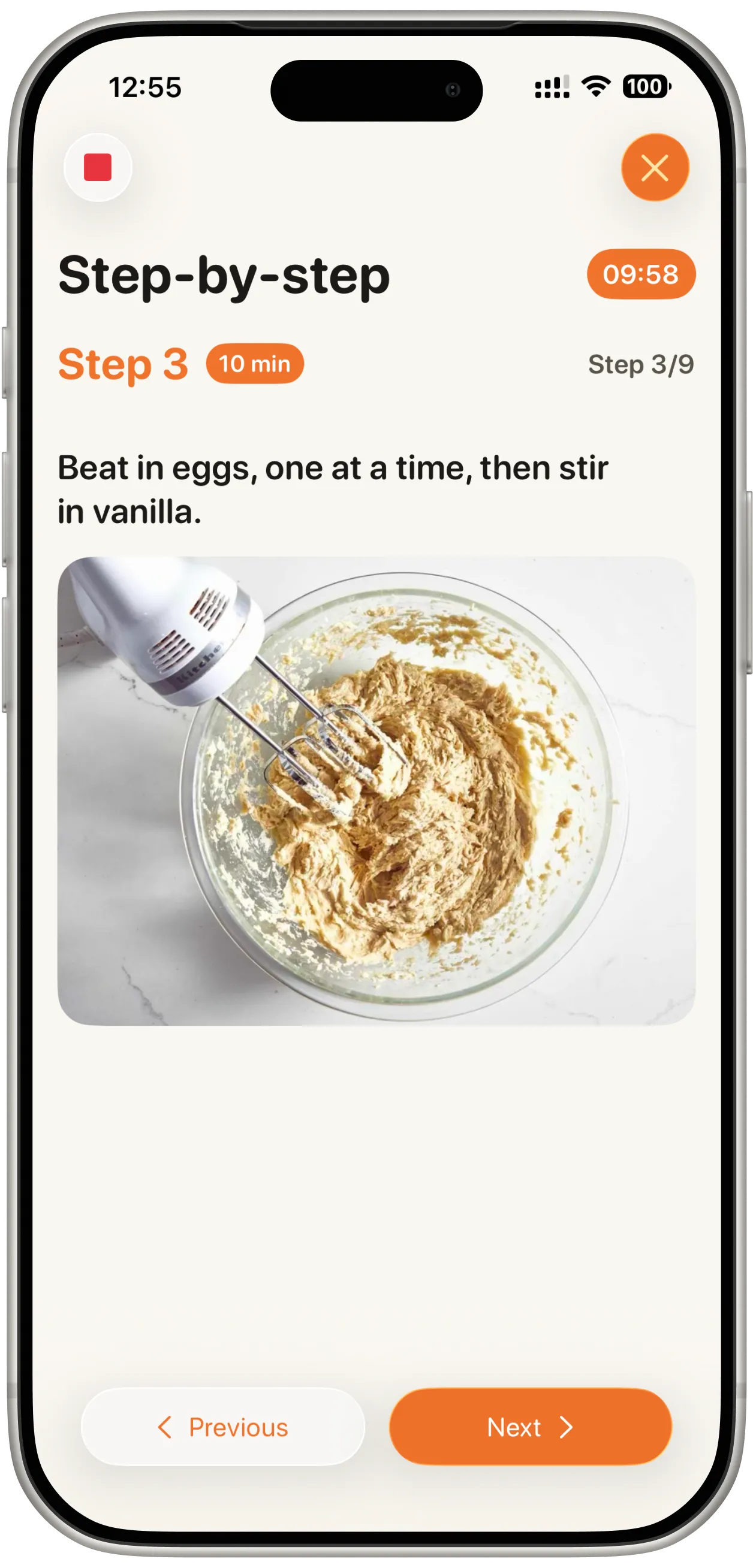
Move through the recipe one step at a time. Keeping the current step focused can make cooking feel clearer and less rushed.
Use timers and alarms
Add a timer to keep your cooking on track. System alarms will still go off even if you switch apps or lock your screen.